Commercial Refrigeration • 6 minutes
Reach-In Refrigerator Problems: When Restaurant Equipment Needs Professional Service
By Scott Camire, Owner | A/C Advantage Inc. •
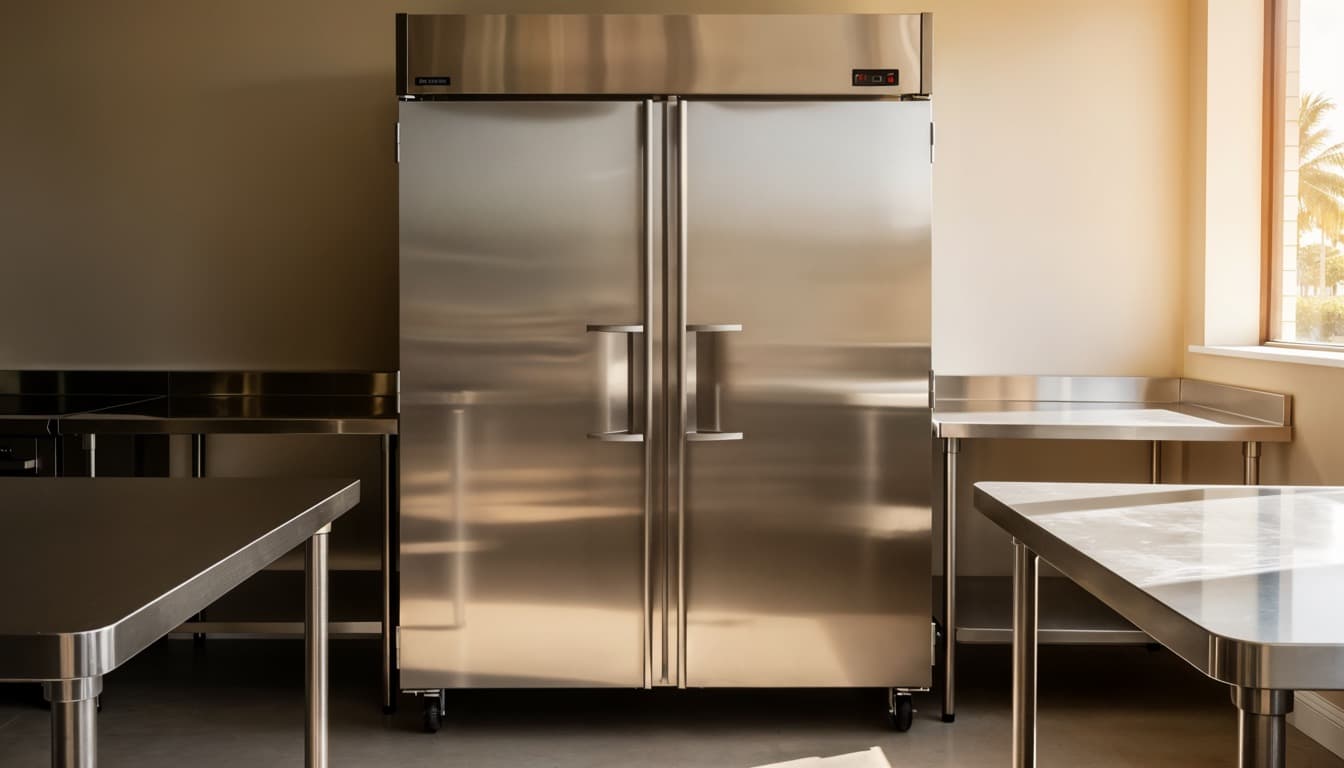
A reach-in refrigerator is easy to overlook when it is working. It sits on the line, in prep, behind the bar, or near receiving and supports hundreds of small decisions during a shift. When it begins to run warm, cycle constantly, leak water, make a new noise, or frost over, the risk is larger than an inconvenient appliance. Staff may lose access to ingredients, inventory can be affected, and the operation may have to adjust quickly.
A practical response starts with safety, documentation, and a clear distinction between equipment service and product disposition. A refrigeration contractor can diagnose the machine. Decisions about whether food may be served or retained belong to the operator’s food-safety plan and the applicable responsible authority.
Temperature trouble is the most urgent symptom
If a reach-in display or internal thermometer is higher than its normal operating range, record the reading and the time. Do not rely on a single quick check after the door has been open. Note whether the unit has been opened frequently, recently loaded with warm product, moved, or cleaned. Then limit door openings while the team follows its written procedures.
A unit can run warm because of a dirty condenser, blocked airflow, a failed fan, door-gasket leakage, defrost trouble, a control issue, refrigerant problem, or another fault. A full diagnosis matters because several causes can create the same result. Repeatedly turning the unit off and on may not restore safe operation and can make it harder to see the pattern.
Do not make product-safety decisions based solely on a refrigeration repair visit or the way an item feels to the touch. Follow the restaurant’s documented food-safety procedures and applicable health guidance. Maintain temperature logs and note time out of range. If the staff is unsure about a product, escalate it to the person or authority responsible for that determination.
Safe checks staff can make
Start with the door. Look for a door that is propped open, an item preventing closure, visibly torn gasket material, or shelves that keep the door from closing fully. Inspect the gasket surface for food debris that can prevent a seal, using the facility’s normal cleaning procedure. Avoid pulling hard on gasket corners or using sharp tools around the seal.
Check that cartons, pans, and liners are not blocking interior air paths or packed tightly against the back wall. Reach-ins need circulation around product. Overloading after a delivery or placing hot product inside can make recovery slower. Review the equipment manual and operating policy for loading practices rather than guessing.
At the bottom or rear of the unit, keep exterior ventilation openings clear of boxes and supplies. If the facility’s normal cleaning procedure permits it, remove loose dust from easily accessible surrounding areas without opening electrical panels or touching fan blades. Coil cleaning, electrical work, and refrigerant service should be left to a qualified refrigeration technician.
Water, frost, and noise tell a story
Water on the floor can be a slip risk as well as an equipment clue. Use appropriate floor-safety measures, then look for obvious causes such as a door left ajar or a drain area blocked by stored items. Do not ignore persistent water; it can result from a defrost or drainage problem and may damage flooring or nearby product.
Heavy frost on interior surfaces, around an evaporator cover, or at the door can reduce usable space and airflow. Do not chip ice with knives or screwdrivers. Damaging a coil or line can turn a service call into a larger repair. A technician can determine whether the issue is a gasket, defrost control, heater, fan, airflow restriction, or another component.
New rattling, clicking, buzzing, grinding, or fan noise is worth documenting, especially when paired with a temperature change. Record a short video only if staff can do so without moving guards or reaching into equipment. The sound may help identify whether the issue occurs during a fan cycle, compressor start, or defrost sequence.
When to call for professional service
Call for service promptly when the unit will not maintain temperature, repeatedly alarms, trips power, has significant ice or water, makes alarming noises, or has visible damage. Also call if the compressor runs continuously without recovery or if the fans do not operate normally. If there is a burning smell, smoke, or electrical damage, keep staff away and use the appropriate emergency response.
When you call, provide the make and model if available, current and normal temperature readings, the onset time, visible symptoms, and whether the unit is loaded. Mention whether a door gasket is damaged, a recent cleaning was performed, or the building had a power event. Clear information allows the technician to arrive prepared and helps the manager plan around the equipment downtime.
After repair, continue to use your facility’s procedures to confirm operating temperature before returning the unit to normal loading. A repair may restore machine operation, but food-safety records and product decisions remain the operator’s responsibility.
A/C Advantage helps restaurants and commercial facilities across the Treasure Coast and Palm Beaches diagnose reach-in refrigeration issues and plan preventive maintenance. If a reach-in is warning you with temperature, water, frost, or sound changes, arrange qualified service before the next busy shift.
Related reading: Commercial Refrigeration Uptime Guide, 5 Signs Your Commercial Refrigerator Needs Repair, and Walk-in Cooler Temperature Problems.
About the author
Scott Camire, Owner of A/C Advantage Inc.
Scott Camire is the founder of A/C Advantage Inc. in Port St. Lucie, Florida. He began his career in HVAC and commercial refrigeration in 1978 and founded A/C Advantage in 2006, building the company on what he calls “old fashioned service with modern technology.” A/C Advantage is a Florida Certified Mechanical Contractor (License #CMC1249807) with EPA-certified technicians, serving homes and businesses across the Treasure Coast and the Palm Beaches, including Port St. Lucie, Stuart, Palm City, Jensen Beach, Fort Pierce, Vero Beach, Sebastian, and Tradition.
Need help with your system?
Call A/C Advantage at (772) 336-7366. A live person answers 24 hours a day, 365 days a year. Or schedule service online.